
Here’s What’s Actually Happening
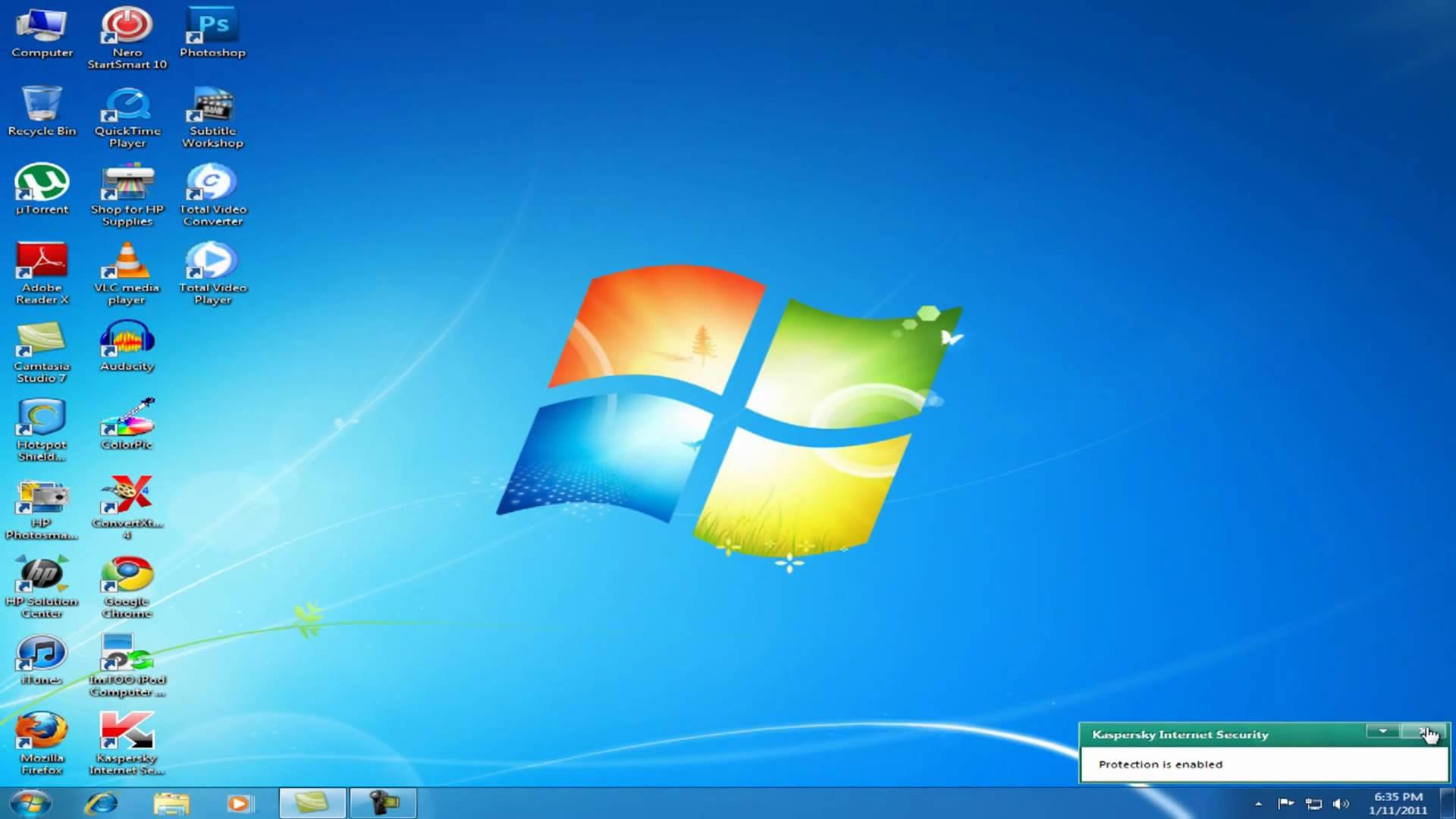
Windows 10 isn’t dying on October 13th, If you’ve heard that your Windows 10 computer stops getting security updates on October 13, 2026, take a breath. That date has changed, and most home users have another full year.
A lot of articles, videos, and even some repair shops are still repeating the old deadline. Some are telling people there’s no way to extend it. That information is out of date, and it’s pushing folks into rushed, expensive decisions they don’t need to make this week.
What Changed?
Microsoft officially ended support for Windows 10 on October 14, 2025. To give people time to move on, it created the Extended Security Updates program, or ESU, which keeps sending critical security patches to home PCs. ESU was originally set to end on October 13, 2026.
In late June 2026, Microsoft quietly extended the consumer ESU program to October 12, 2027. There was no big announcement. The change showed up as an update to Microsoft’s ESU documentation and an editor’s note on a Windows blog post, which is why so many people missed it.
Are you enrolled? Here’s what to do:
If you already enrolled in ESU: You don’t need to do anything. Your coverage continues automatically through October 12, 2027.
If you never enrolled: Good news, it’s not too late. Enrollment stays open until October 12, 2027. When you join, your PC receives every critical and important security update Microsoft has released since support ended in October 2025, so you catch up all at once.
Not sure? Open Settings, go to Update & Security, then Windows Update. Enrolled PCs show that they’re receiving Extended Security Updates. If you see an “Enroll now” link instead, you aren’t covered yet.
What you need, and three ways to enroll
To qualify, your PC must:
- Run Windows 10 version 22H2 (Home, Pro, Pro Education, or Workstations edition)
- Have all current Windows updates installed
- Be signed in with a Microsoft account that has administrator rights (local accounts will be prompted to switch; child accounts don’t qualify)
Once you meet those, Microsoft offers three ways in:
- Free: Turn on Windows Backup to sync your PC settings.
- Free: Redeem 1,000 Microsoft Rewards points.
- Paid: Buy a one-year ESU license for $30 plus tax.
One license covers up to 10 devices tied to the same Microsoft account, which is handy for families with several older PCs.
What ESU does, and what it doesn’t
ESU is a security bridge, not a full return to support. You get critical and important security fixes only. There are no new features, no performance improvements, and no Microsoft technical support for home users.
That makes this extra year a gift of time, not a reason to forget about it. Use it to plan calmly:
- Check whether your current PC can run Windows 11. Many can, with no new hardware.
- If it can’t, budget for a replacement on your schedule instead of in a panic.
- Back up your files now, whatever you decide.
Running Windows 10 in a business, church, or office? Work machines are a different story. Business licensing has its own ESU terms and pricing, so check with whoever handles your IT before you assume the consumer rules apply.
Let us take a look
Not sure whether your PC is enrolled, whether it can handle Windows 11, or whether it’s time to replace it? That’s exactly what we do. Keystone Computer Concepts has been helping folks in the Jacksonville area keep their computers safe and running for about two decades, and we can check your machine in person or remotely.
Reach out through 4kcc.com and we’ll give you a straight answer, no scare tactics.